Gifting
Gift Cards
Three ways to give Creo. One is bought online, one is bought in our shops, and one is for the Build-a-Bar experience. Here is what each one does, so you end up with the right one.
E-Gift Card
Sent by email with instructions to redeem at checkout. The fastest way to give Creo chocolate from anywhere.
- Spends at creochocolate.com only
- Not redeemable in our Portland shops
- Delivered by email, so it never arrives late
- Discounts and promotions do not apply to gift card purchases
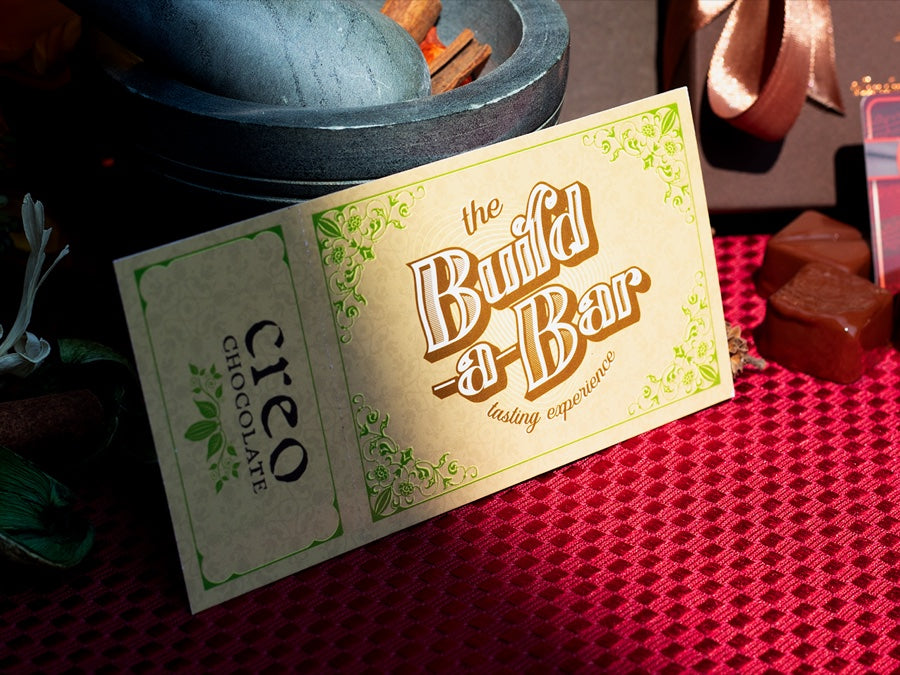
Build-a-Bar Gift Certificate
For the experience rather than the chocolate. Ninety minutes in the factory making a bar of their own.
- Buy online through our booking system, or in person at a Creo shop
- Both give you a code to use at checkout
- Spends on Build-a-Bar experiences, not on chocolate
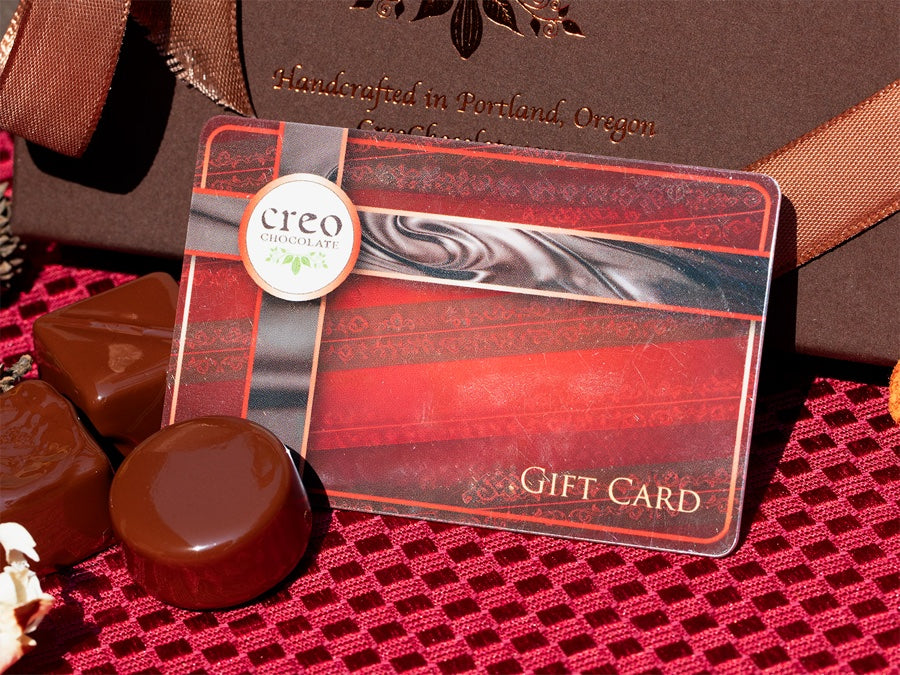
Physical Gift Card
A real card, handed over in person. Pick one up at any Creo shop and spend it wherever you like.
- Bought in person at a Creo shop
- Spends online at creochocolate.com and in our shops
- Cannot be bought online yet, but shipping is coming soon
Visit us in NW Portland, at the Factory Store, or on NE Broadway.
Already have a gift card and want to know what is left on it?
Check your gift card balanceE-Gift Card
A Creo gift card delivered by email, for spending on chocolate at creochocolate.com. The quickest way to send chocolate to someone from anywhere.
How it works
-
01
Pick an amount
Choose the value that suits, then add a note for whoever is receiving it.
-
02
It arrives by email
Delivered straight to their inbox with instructions for redeeming it, so it never turns up late.
-
03
They spend it online
They enter the code at checkout on creochocolate.com and the balance comes off the order.
Where it can be used
The E-Gift Card spends at creochocolate.com only. It is not redeemable in our Portland shops. If it is meant for someone who might want to spend it in person, the physical gift card is the one you want: that one works in both places.
It arrives by email and carries its own instructions for redeeming at checkout.
Discounts and promotions do not apply towards the purchase of a gift card.
Build-a-Bar Gift Certificate
Ninety minutes in our factory, tasting through the process and making a bar of their own. A gift certificate lets them pick the date.
How it works
-
01
Buy the certificate
Online through our booking system, or in person at any Creo shop.
-
02
You get a code
Both ways of buying give you a code. Pass it on however you like.
-
03
They book their spot
They pick a date that suits them and enter the code at checkout.
Good to know
A Build-a-Bar gift certificate spends on the experience, not on chocolate. It is redeemed when booking a Build-a-Bar session, so it does not work as a gift card in our shop or on chocolate orders.
Bought online or bought in a shop, you end up with a code that is entered at checkout the same way.
Build-a-Bar runs at the Factory Store, 100 NE Farragut, Portland. Ages 8 and up.
How to redeem
-
Choose a date
Picking a Build-a-Bar date and time.
-
Enter the code
The code field at checkout.
-
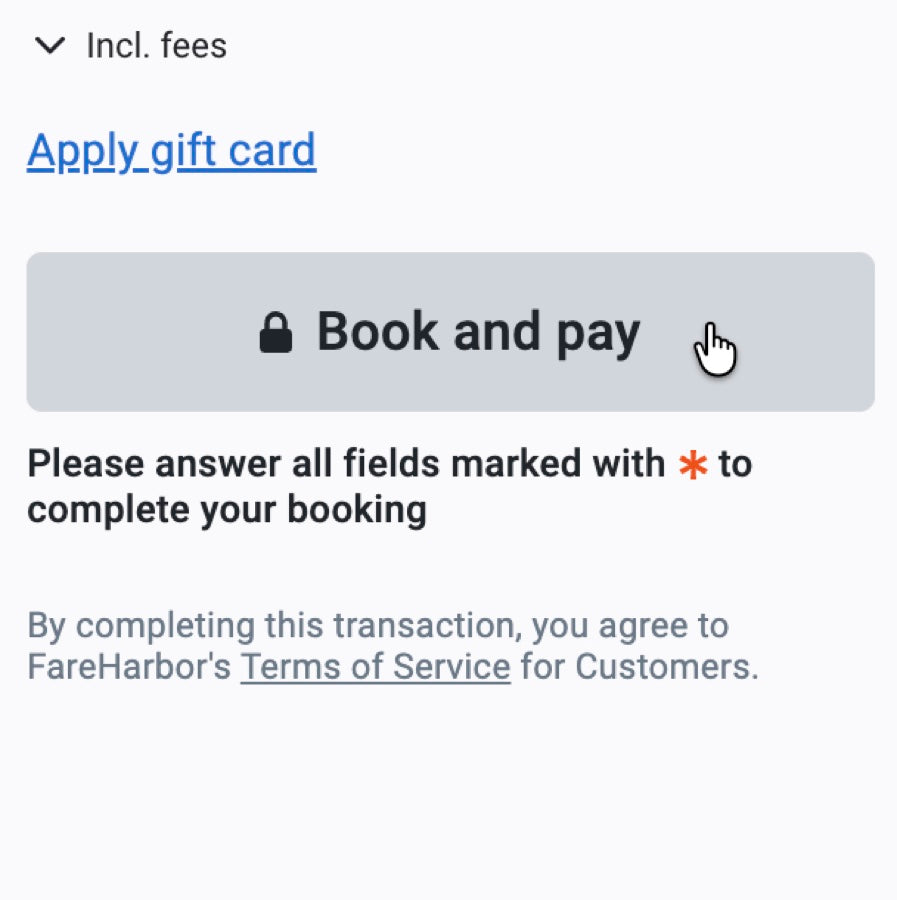
Confirm the booking
The confirmation screen.